
Download Voyager – 3D Universe Explorer, Planetarium Software, Free Stellar Navigator
Overview
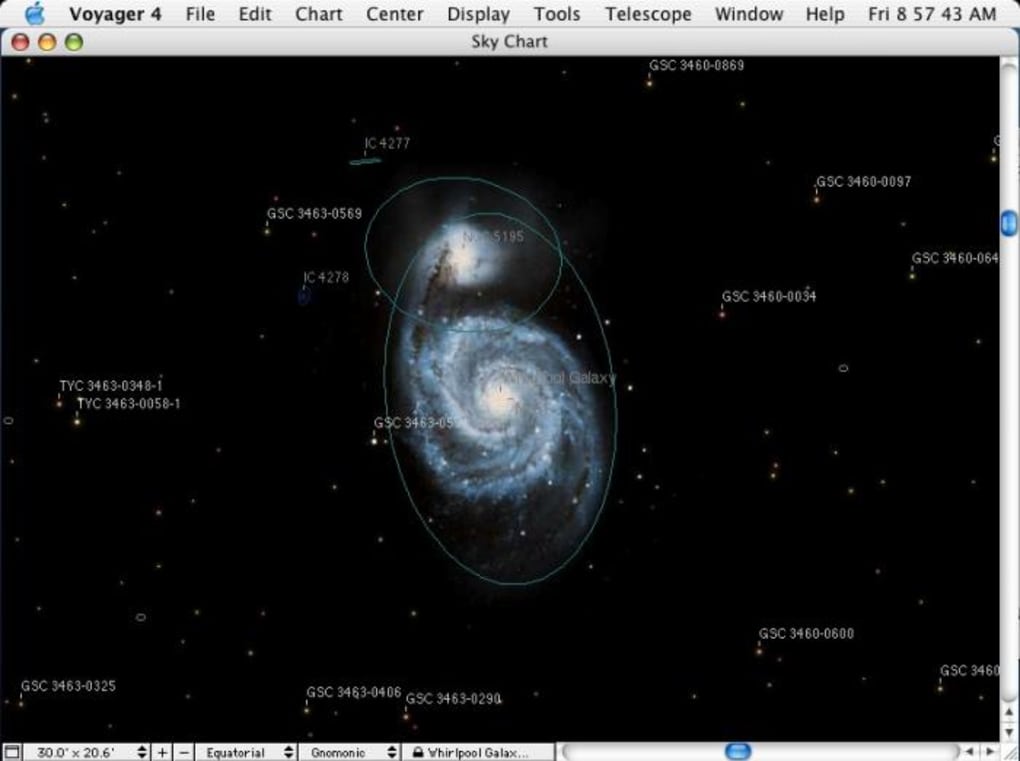
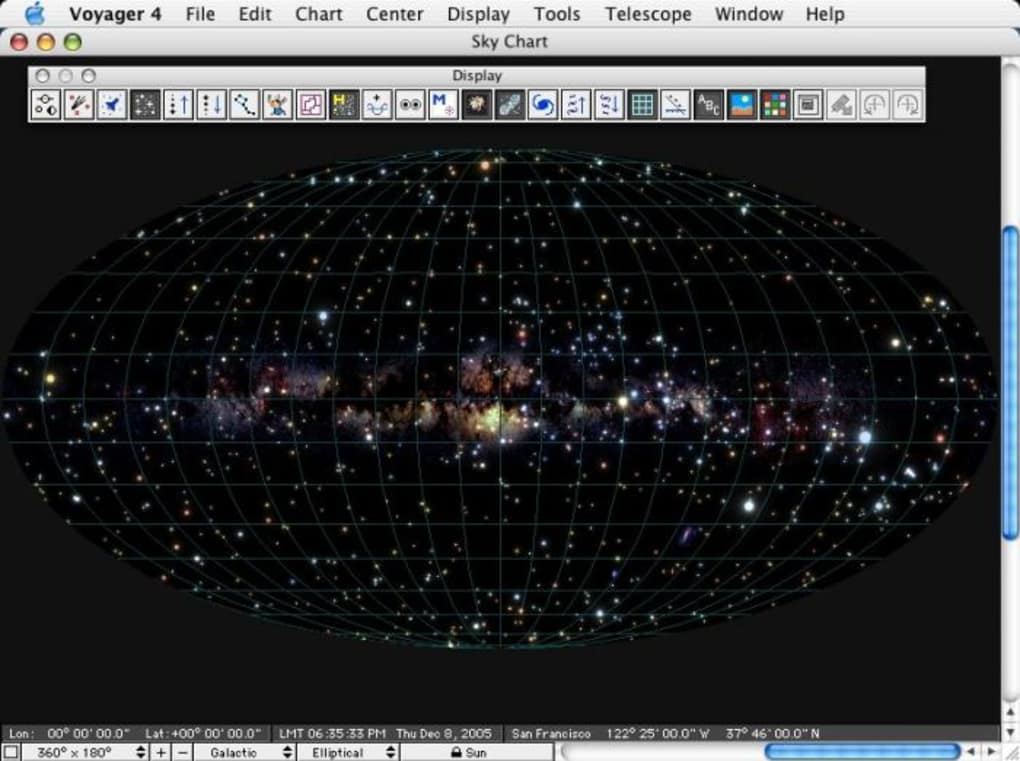
Voyager 4 is a planetarium‑style computer program that lets you travel beyond the Earth’s atmosphere and explore the Milky Way in true three‑dimensional detail. Built for both casual stargazers and serious astronomers, Voyager offers a realistic navigation experience that mimics the feeling of piloting a spacecraft through the cosmos. With a stellar database containing more than 2.5 million stars, you can jump from the familiar constellations of the night sky to exotic viewpoints such as Vega, the Pleiades, or even the far‑flung edges of the Solar Neighbourhood.
The software renders binary systems like Alpha Centauri and the famous “Double‑Double” in Lyra with accurate orbital mechanics, letting you watch stars orbit each other over centuries in real time. Whether you’re a teacher looking for an engaging visual aid, a student needing a hands‑on understanding of spatial relationships, or a hobbyist who simply loves to gaze at the heavens, Voyager provides a secure, free download that runs smoothly on modern operating systems. Its intuitive toolbox lowers the learning curve for newcomers while still offering depth for power users, making it a versatile educational tool and a powerful research companion alike.
Key Features and Functionality
- Massive Stellar Database: Over 2.5 million stars, complete with spectral type, magnitude, distance, and proper motion data.
- 3‑D Navigation Engine: Real‑time rotation, zoom, and travel through space with mouse, keyboard, or touch gestures.
- Solar Neighbourhood Explorer: Select a radius in light‑years and instantly display all known stars within that sphere, complete with 3‑D positional markers.
- Binary & Multiple Star Visualization: Watch binary pairs such as Alpha Centauri A/B and complex systems like the “Double‑Double” orbit each other over simulated centuries.
- Custom Viewpoints: Jump to any known star or coordinate, view the sky as it would appear from that location, and compare different epochs using built‑in time‑travel controls.
- Educational Overlays: Turn on constellation lines, labels, and distance markers to aid teaching and learning.
- High‑Resolution Rendering: Supports 4K monitors and Retina displays, delivering crisp star fields and smooth animations.
- Cross‑Platform Compatibility: Native builds for Windows 10/11, macOS 10.12 (Sierra) and later—including Snow Leopard support in version 4.5.5—and optional Linux packages.
- Free Updates & Secure Download: Automatic update checks keep the database current, while digital signatures guarantee a safe installation.
- Export & Screenshot Tools: Capture high‑quality images or export star lists for research papers and presentations.
Why These Features Matter
The combination of a massive, regularly updated star catalog and an easy‑to‑use 3‑D engine turns abstract astronomical data into an interactive experience. For educators, the Solar Neighbourhood feature visualizes concepts like parallax and stellar density that are otherwise hard to grasp from a textbook. Researchers appreciate the precision of binary star animations, which can be used to illustrate orbital dynamics in lectures or outreach events. Meanwhile, hobbyists benefit from the ability to “fly” to distant worlds, satisfying curiosity without the need for a costly telescope. By offering high‑resolution rendering, Voyager ensures that even on large displays every star appears sharp, preserving scientific accuracy while delivering visual appeal.
Installation, Usage & Compatibility
Installing Voyager is straightforward. Begin by visiting the official website and clicking the Download Voyager button that matches your operating system. The installer is signed with a trusted certificate, guaranteeing a secure download. On Windows, run the .exe file, accept the license agreement, and follow the wizard prompts. macOS users will download a .dmg image; open it and drag the Voyager icon into the Applications folder. Linux users can extract the provided .tar.gz archive and run the voyager binary from the terminal.
Once installed, launch the program and you’ll be greeted by a brief tutorial that walks you through the main navigation controls: left‑click and drag to rotate, scroll wheel to zoom, and right‑click to select objects. The “Quick Start” panel offers pre‑set journeys, such as “Tour of the Solar System” or “Voyage to the Pleiades.” For deeper exploration, open the Star Database panel, type a star name, and press Enter to instantly transport your view. The Settings menu allows you to adjust rendering quality, toggle educational overlays, and set the default language.
Voyager supports Windows 10 and later, macOS 10.12 (Sierra) and newer—including legacy support for Snow Leopard in the 4.5.5 update—and most popular Linux distributions (Ubuntu, Fedora, Debian). Minimum system requirements are modest: a dual‑core CPU, 2 GB RAM, and an OpenGL‑compatible graphics card. Because the program relies heavily on GPU acceleration for smooth 3‑D rendering, performance will improve on newer hardware, but even modest laptops can navigate the local star field without lag. Automatic update checks run on startup, ensuring you always have the latest star catalog and bug fixes.
Pros and Cons
Pros
- Extensive and regularly updated star database (2.5 million+ entries).
- Intuitive 3‑D navigation that works for beginners and experts.
- Cross‑platform support: Windows, macOS, and Linux.
- Educational overlays and Solar Neighbourhood tool enhance classroom learning.
- Free download with secure, signed installers.
- High‑resolution rendering suitable for 4K displays.
- Export and screenshot functions simplify sharing and research documentation.
Cons
- Steeper learning curve for advanced features like custom scripting.
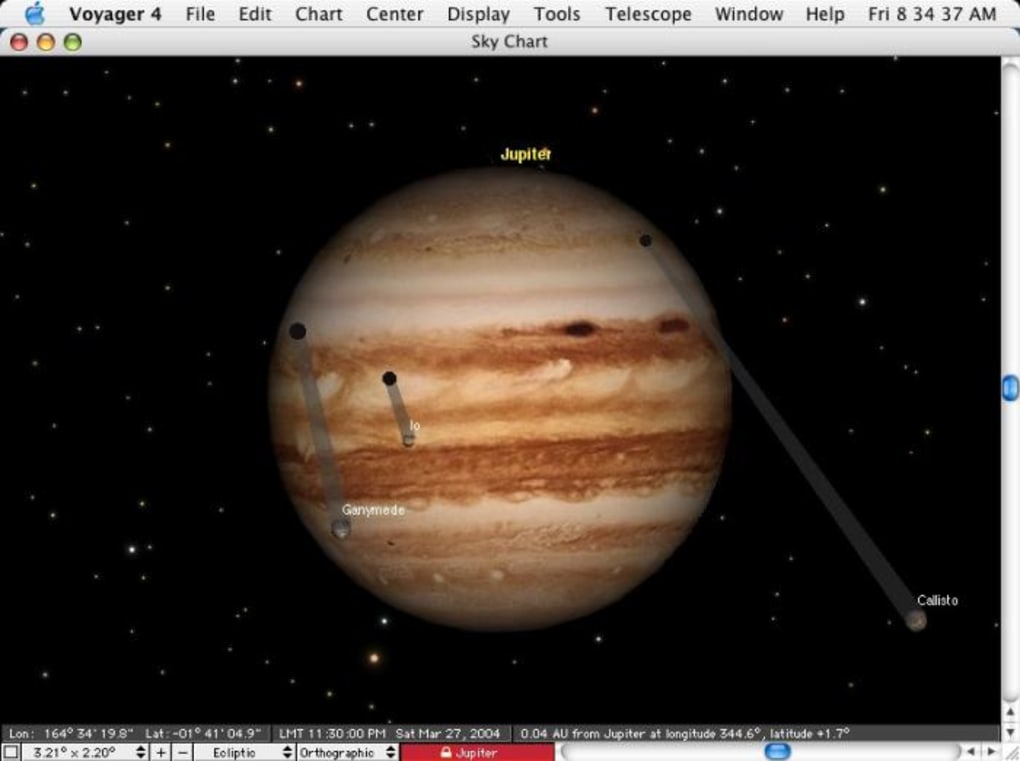
- No built‑in planet surface textures (focuses on stellar navigation).
- Limited offline help documentation; relies on online tutorials.
- Linux version lacks a native installer, requiring manual extraction.
Frequently Asked Questions
Is Voyager free to download and use?
Yes, Voyager offers a completely free download for personal, educational, and research use. All core features, including the 3‑D navigation engine and star database, are available at no cost.
What operating systems does Voyager support?
Voyager runs on Windows 10/11, macOS 10.12 (Sierra) and later (including Snow Leopard support in version 4.5.5), and most Linux distributions such as Ubuntu, Fedora, and Debian.
Can I view the night sky from a location other than Earth?
Absolutely. Voyager lets you set any star or coordinate as your observation point, so you can see how constellations appear from Vega, the Pleiades, or any location in the Solar Neighbourhood.
How often is the star database updated?
The database receives updates twice a year, incorporating new discoveries from missions such as Gaia and the Hubble Space Telescope. Automatic update checks notify you when a new catalog is available.
Is Voyager suitable for classroom teaching?
Yes. The software includes educational overlays, distance markers, and a simple “Lesson Mode” that lets teachers lock navigation to specific topics, making it an effective visual aid for astronomy lessons.
Conclusion & Call to Action
Voyager stands out as a powerful, free, and secure tool for anyone eager to explore the Universe beyond the constraints of a textbook. Its massive star catalog, intuitive 3‑D navigation, and cross‑platform compatibility make it equally valuable to students, teachers, hobbyists, and professional researchers. While the learning curve for advanced features may require a little practice, the core experience—flying through a beautifully rendered cosmos—is both accessible and captivating. By offering regular updates and high‑resolution graphics, Voyager ensures that you’ll always have an up‑to‑date window onto the stars.
Ready to embark on your own interstellar adventure? Download Voyager now and start navigating the Galaxy from the comfort of your computer. Experience the wonder of space, deepen your understanding of stellar relationships, and bring the cosmos into your classroom or living room today.







